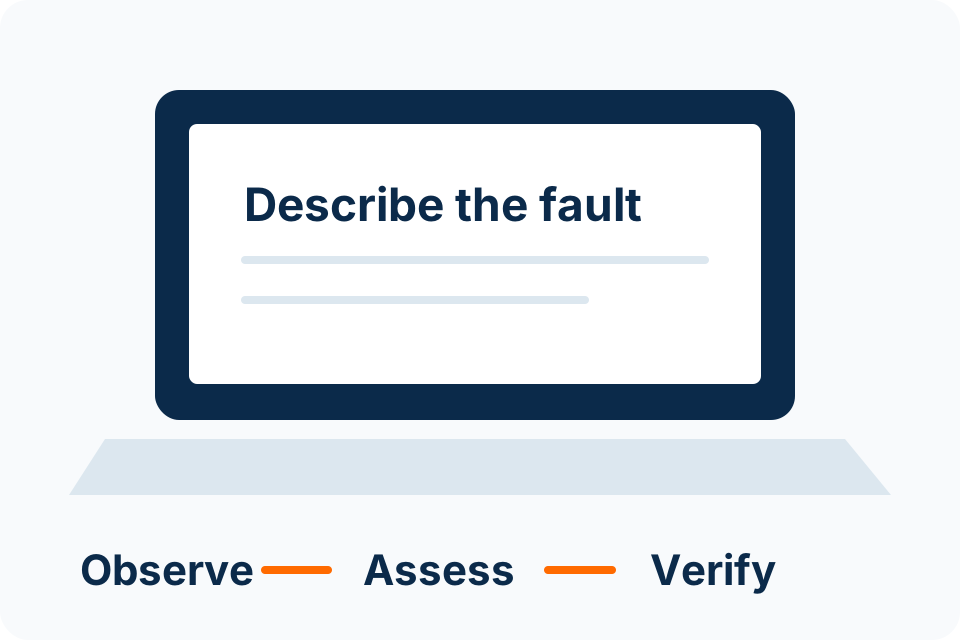
Before buying new Wi-Fi equipment, identify who is affected, where the problem occurs and which activity is slow. A useful symptom record helps distinguish a local device issue from a wider network or internet problem.
If a drive repeatedly clicks, disconnects or disappears, avoid repeated power-on and repair attempts when the data matters. Record the symptoms and seek an assessment of the current state.
If important files were deleted, minimise changes to the affected storage. First identify the device, what happened and whether a separate copy or supported restore option already exists.
A laptop that does not charge may have an adapter, connector, battery or system issue. Record the clues before buying a replacement part, and stop using visibly damaged power equipment.
Describe when a laptop becomes hot or noisy and whether it shows distress. Ordinary warmth under load and a swollen battery or repeated thermal shutdown are different situations.
Stop using a laptop after a liquid spill. Turn it off and disconnect external power only where safe, then follow the model’s manufacturer guidance and arrange assessment before trying to prove that it still works.
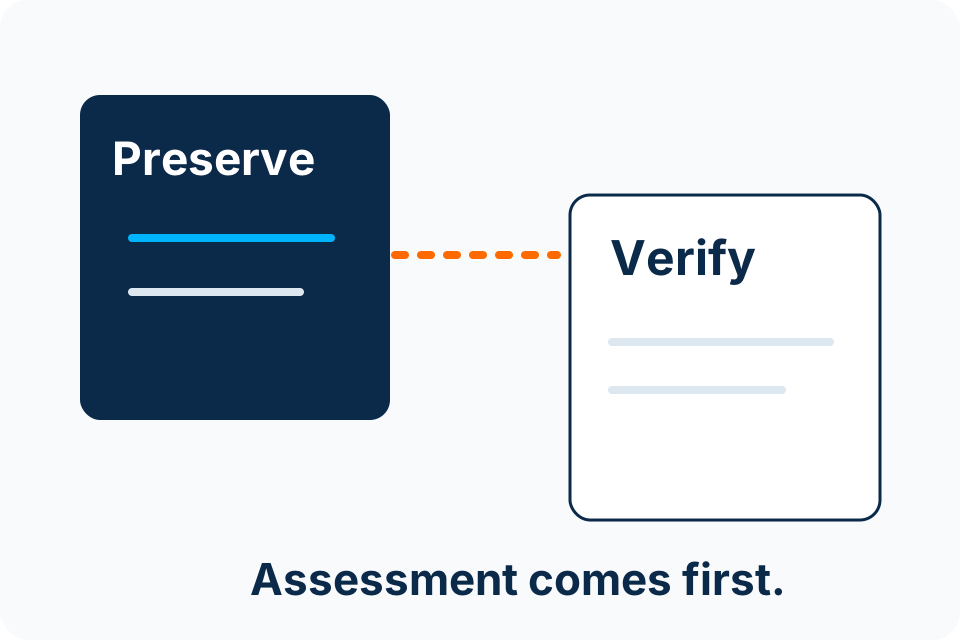
Before repair, agree what data must be preserved and what access the assessor actually needs. A repair instruction should not silently authorise a reset, reinstall or unrestricted examination of personal files.
Compare a diagnosed repair with a replacement that can perform the required work. Include data migration, accessories, software and support so the decision is based on a complete usable outcome.
A slow computer needs a symptom check before an upgrade recommendation. Identify which work is slow, when it changed and whether data or hardware warning signs require assessment first.
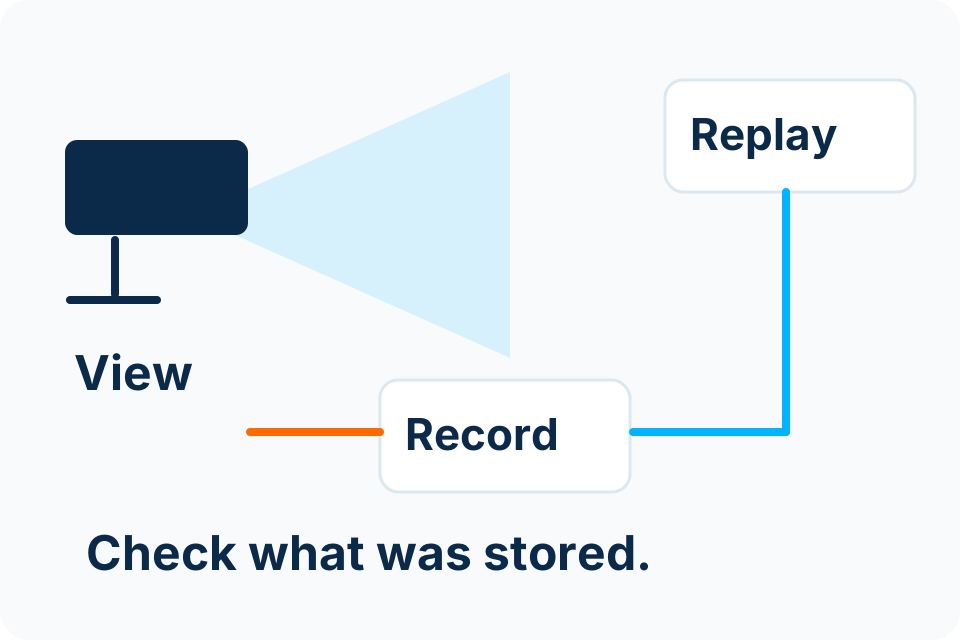
Plan home CCTV around a clear purpose, proportionate views and controlled access. More cameras or a phone app do not automatically produce useful or responsibly handled footage.