
REPAIR TRIAGE / FOXBYTE SYSTEMS
Computer Repair Enquiries in Nairobi
Tell us what changed and what the computer does now. We can clarify the assessment and an agreed handover arrangement before you travel or send equipment.
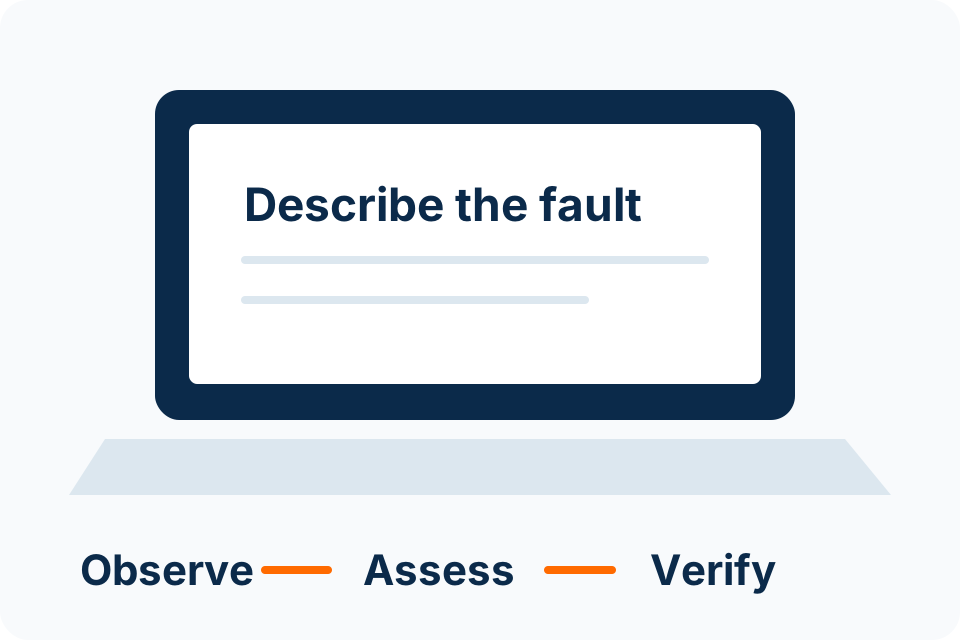
Describe the symptom clearly
| What you see | What to include in the enquiry |
|---|---|
| Will not start | Model, visible power indicators and what happened before the fault. |
| Slow or unstable | When it began, which applications are affected and any recent change. |
| Screen, keyboard or charging issue | The affected part, whether the fault is intermittent and any visible damage. |
| Liquid or physical damage | What happened and whether the device has been powered since. |
| Missing files or storage errors | Which data matters and whether a separate backup exists. |
Avoid repeated experiments when the data or device may be at risk. A description and a clear photograph of an external symptom can help the initial discussion; do not expose private documents or credentials.
Agree before work starts
Illustrative process — agree the actual scope before implementation.
- EnquiryDescribe the fault, equipment and whether the files are the priority.
- Assessment arrangementConfirm location, handover, assessment terms and any limitations.
- ApprovalReview findings, proposed work, parts and price before authorising the repair.
- Return and verificationCheck the agreed symptom and collect the repair record and any applicable warranty terms.
Data deserves a separate decision
Restoring a computer to working order and recovering its files are different goals. Reinstallation, storage replacement or a factory reset can affect the data. Tell the assessor what must be preserved before authorising changes.
If a usable backup exists
Confirm it contains the files you need and keep it separate from the equipment sent for assessment. A folder name alone does not prove a usable backup.
If the only copy is affected
Prioritise recovery assessment before repair experiments. Describe the storage symptoms and avoid writing new data to the affected device.
Compare repair with replacement
A repair decision should consider the confirmed fault, total quotation, device condition, application needs and expected support life. An upgrade does not solve every source of slowness, and a replacement still needs secure data migration and setup.
- Ask which diagnosed fault the proposed part or action addresses.
- Confirm the part condition and any applicable warranty.
- Ask what happens if assessment reveals an additional fault.
- Keep data migration, software licensing and optional upgrades visible in the quote.
- Agree how the original symptom will be checked before return.
Before handing over a device
- Record the model, serial number and supplied accessories.
- State whether the device belongs to you or an organisation and confirm authority.
- Explain important files and available backups.
- Ask how any necessary access will be arranged; do not send passwords in the first enquiry.
- Confirm the handover address or collection arrangement directly.
No walk-in address or immediate repair slot is implied on this page. The serviceable Nairobi arrangement and timing are confirmed for the enquiry.
Repair questions
Can you quote from the symptom alone?
An initial discussion can identify likely assessment needs, but price and parts depend on findings. Authorise the written scope before work proceeds.
Is same-day repair guaranteed?
No. Diagnosis, parts availability, data priorities and approved work determine timing.
Should I reset a computer before sending it?
Do not reset it when the files or fault evidence need to be preserved. Ask for an agreed data and access plan first.
What if a battery appears swollen?
Stop using the affected device and follow its manufacturer’s handling instructions. Do not press, puncture or attempt to force a swollen battery out; arrange qualified assistance.
Describe the fault before you travel.
Include the device model, symptom, recent changes and whether your files are the priority.
Foxbyte Insights
Prepare for the decision.
Computer Support
Repair or replace a computer: make the comparison complete
Compare a diagnosed repair with a replacement that can perform the required work. Include data migration, accessories, software and support so the decision is based on a complete usable outcome.
Foxbyte InsightsPublished Updated
Read the guide: Repair or replace a computer: make the comparison completeComputer Support
Before computer repair: make a data and access handover plan
Before repair, agree what data must be preserved and what access the assessor actually needs. A repair instruction should not silently authorise a reset, reinstall or unrestricted examination of personal files.
Foxbyte InsightsPublished Updated
Read the guide: Before computer repair: make a data and access handover planComputer Support
A slow computer does not always need a new drive
A slow computer needs a symptom check before an upgrade recommendation. Identify which work is slow, when it changed and whether data or hardware warning signs require assessment first.
Foxbyte InsightsPublished Updated
Read the guide: A slow computer does not always need a new drive