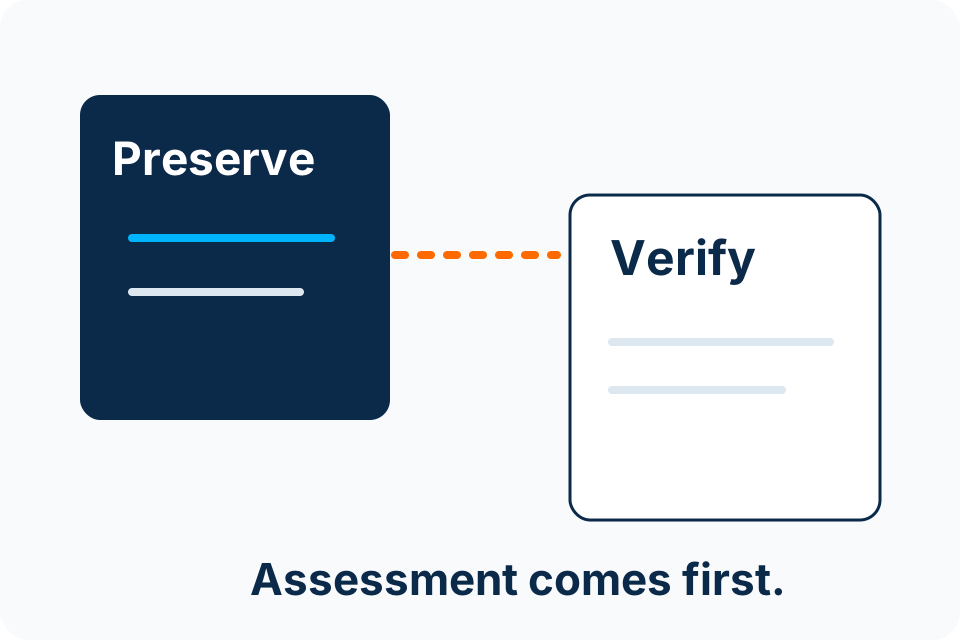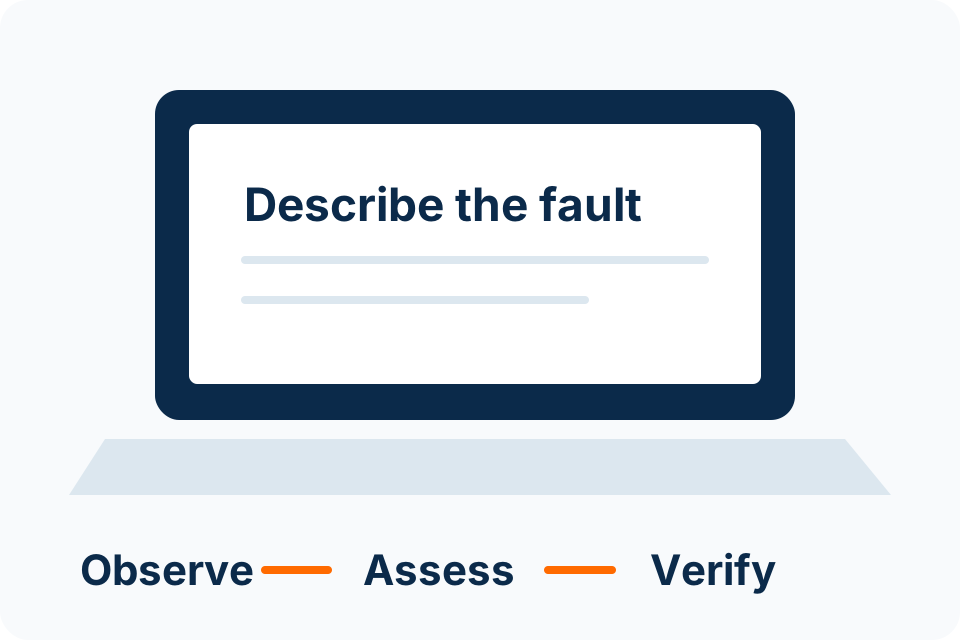
Before repair, agree what data must be preserved and what access the assessor actually needs. A repair instruction should not silently authorise a reset, reinstall or unrestricted examination of personal files.
identify the important information
List the files and applications that matter without sending their contents in the first enquiry. Explain whether the device holds the only copy and whether the fault may involve storage. That information can change the order of assessment and repair.
For business equipment, confirm the person authorised to approve access and changes. The user holding the laptop may not have authority to disclose organisational records or approve deletion.
verify a separate copy where safe
If the device is operating normally enough and there are no storage-failure signs, confirm that an existing backup includes the required material and that representative files open. Keep the copy separate from the equipment handed over.
If storage is unstable, missing or making unusual noises, do not force a backup through repeated attempts without advice. Recovery assessment may need priority. A generic “back up first” instruction should not encourage unnecessary operation of a failing device.
define the access boundary
| Decision | What to agree |
|---|---|
| Required access | Which function or account is needed for diagnosis? |
| Sensitive material | How will unnecessary private access be avoided? |
| Destructive changes | Who may approve reinstall, reset or storage replacement? |
| Recovery material | How will necessary keys or authorised access be handled securely? |
| Return | Which checks will confirm the required data and function? |
record the handover
- Model, serial number and supplied accessories.
- Visible condition and the reported fault.
- Data priority and available backup status.
- Assessment terms and authorised work boundary.
- Agreed contact and approval route.
Do not write passwords, payment secrets or recovery keys on a public receiving form or ordinary chat message. Necessary access should use the agreed controlled method. Ask for clarification if the proposed process is unclear.
verify the return
Check the original symptom and the agreed data outcome. Open representative required files or applications through your own authorised access. Record remaining issues before treating the work as accepted.
Ask how temporary access, copied diagnostic material and replaced storage will be handled under the agreed terms. Do not assume an unspoken retention or disposal policy. A clear data handover plan protects both the repair goal and the information that makes the device valuable.
Put the decision into practice
Tell the assessor whether data preservation or restoring the device is the first priority.
Explore Computer Repairs Discuss the requirement by email