
WORKFLOW / FOXBYTE SYSTEMS
Move each request to the right next step.
Replace uncertain handoffs with a workflow people can follow. Start with a real request, define the decision and connect the next action without losing ownership or control.
Illustrative process — agree the actual scope before implementation.
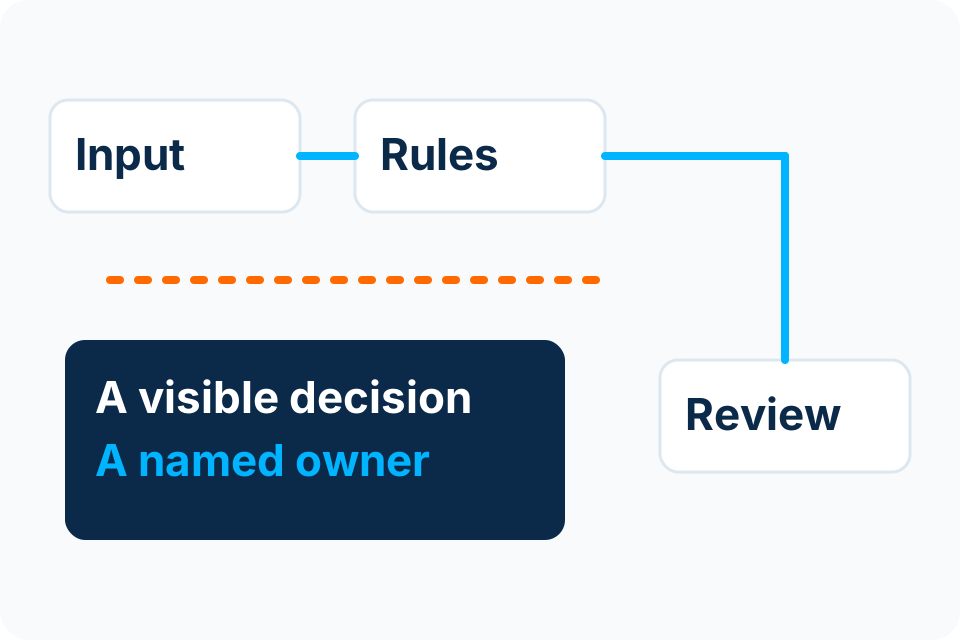
- A requestWork has a clear starting point.
- An ownerThe next decision has a responsible role.
- An outcomeThe result is recorded and traceable.
Build around the decision, not the notification.
An email alert can tell someone that work is waiting. A dependable workflow also needs a clear state, an authorised owner, enough information to decide and a record of what happened. The aim is to make the process understandable to the people who run it.
| Example | What to define first | Where human authority remains |
|---|---|---|
| Purchase approval | Required information, budget owner and approval threshold. | The authorised person approves the commitment. |
| Employee onboarding | Start date, manager approval and required systems. | Managers and system owners approve access. |
| Service request | Category, priority, responsible team and escalation. | People assess exceptions and confirm the outcome. |
| Recurring report | Source data, reporting period and distribution list. | The report owner reviews discrepancies before relying on it. |
A workflow must explain its unfinished states.
Illustrative process — agree the actual scope before implementation.
- TriggerA valid request enters the agreed channel.
- CheckRequired information and duplicate conditions are assessed.
- AssignA named role receives the next decision.
- ResolveApprove, reject or return for clarification.
- CompleteRecord the outcome in the authoritative system.
Waiting is a state
A request waiting for approval should remain visible, with its owner and age. A reminder does not become permission to approve on someone’s behalf.
Failure is a state
If a destination is unavailable, retain a recoverable record and show who must act. Retrying should not create duplicate orders, accounts or messages.
Agree the operating rules before the build.
- Who can submit, view, approve, delegate and cancel a request.
- Whether approval requires one person, a sequence or several roles.
- How absence, rejection, timeouts and changed information are handled.
- Which system owns each field and what a completed update means.
- What the team does when the automation is unavailable.
- What history is retained and who may access it.
Approval products can support different decision patterns, but the chosen pattern must match your authority rules. Test the actual configuration rather than assuming a template expresses your policy.
Choose rules, AI and human review deliberatelyUse a controlled pilot to expose the difficult cases.
| Test case | What a useful result shows |
|---|---|
| A normal complete request | Correct routing and a recorded outcome. |
| Missing information | A clear return-for-clarification path. |
| An unavailable approver | An authorised delegation or escalation path. |
| The same event arrives twice | No duplicated business action. |
| A connection fails halfway | A visible recoverable state and a safe restart. |
| Someone changes approved information | The change follows the agreed reapproval rule. |
Measure waiting, rework and exception handling alongside completion time. The handover should identify the process owner, configuration owner, support scope and change procedure.
What to bring to Foxbyte.
Choose one workflow. Describe its trigger, participants, applications, usual volume and most troublesome exception. Non-sensitive examples are enough for the first conversation. We assess integration, access and licences before committing to a solution.
Shortlist the workflows worth automating See the broader AI Business Automation approachWorkflow questions.
Does workflow automation require AI?
No. Clear, stable decisions are often better expressed as rules. AI may help interpret variable text or documents, with suitable validation and review.
Can the workflow connect to our accounting or CRM system?
Connection options depend on the actual system, version, supported interfaces, licences and authorised access. Those are assessed during scoping; no universal integration promise is made.
Will reminders remove the need for a process owner?
No. Someone still owns the rule, exceptions, quality of the outcome and decisions about future changes.
Sources and further reading
Bring the handoff that keeps breaking.
Describe what starts the work, who decides and what should happen next.
Foxbyte Insights
Prepare for the decision.
AI & Automation
Design an approval workflow that handles absence and exceptions
An approval workflow is a record of authority as well as a sequence of steps. Design who may decide, what they must see and what happens when nobody can act.
Foxbyte InsightsPublished Updated
Read the guide: Design an approval workflow that handles absence and exceptionsAI & Automation
Questions to answer before connecting business systems
Before connecting two systems, agree which one owns each record and how the connection will recognise a completed action. Access alone is not an integration specification.
Foxbyte InsightsPublished Updated
Read the guide: Questions to answer before connecting business systemsAI & Automation
Who owns an automation after it goes live?
An automation needs an operating owner after delivery. Someone must notice stalled work, understand the business consequence and control changes to rules, access and connected systems.
Foxbyte InsightsPublished Updated
Read the guide: Who owns an automation after it goes live?