
The useful question is where uncertainty belongs
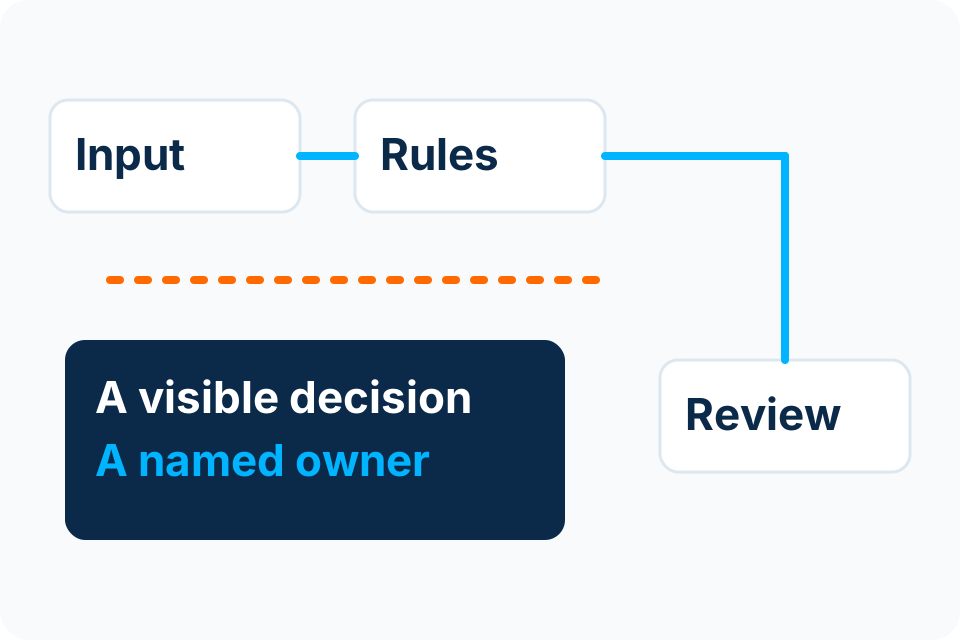
“Does this need AI?” is less useful than “Which part of this process cannot be expressed reliably as an agreed rule?” A request can arrive as free text, become a structured proposal through AI, pass deterministic checks and still require a person to approve the final action.
For a Kenyan business selecting an automation supplier, compare the decision boundaries rather than the product labels. The appropriate design depends on your data, operating policy, systems and the cost of a wrong action. This guide compares those choices; it is not a claim that one approach suits every business.
What rules-based automation does
A rules-based workflow follows conditions that people define: require a supplier reference; route a department’s request to its approver; reject an invalid date; flag a duplicate identifier. With the same inputs, rule version and system conditions, the decision logic should be explainable and repeatable.
That does not make the whole system infallible. An incorrect threshold, missing integration response or duplicated event can still produce a bad outcome. Rules need testing, change control and an exception path. They are particularly useful when the organisation can explain the decision in advance and wants to inspect why it happened.
Where AI assistance can be useful
AI can help interpret variable inputs: suggesting a category for a request, extracting candidate fields from a document or drafting a summary for review. These are different jobs from deciding whether a payment is authorised or whether a customer account should be changed.
Model output may be plausible yet incorrect. Check it against the source and the permitted task. NIST’s AI Risk Management Framework treats trustworthiness as a lifecycle concern across design, use and evaluation; it is voluntary guidance, not a certificate that an individual solution is safe. NIST AI Risk Management Framework.
A useful implementation also limits what the AI can do. Read-only suggestions do not require the same permissions as updates to operational records. Give each step only the access it needs, and keep model-generated text separate from executable instructions.
Compare the decisions, not just the technology
Is a required reference present?
Rules-based step: Check the agreed field and format
AI-assisted step: Not usually necessary
Human decision: Resolve a disputed exception
Which topic does a free-text request concern?
Rules-based step: Works for a small explicit vocabulary
AI-assisted step: Can suggest a category
Human decision: Review ambiguity or sensitive cases
Does an invoice total reconcile?
Rules-based step: Compare defined amounts and tolerances
AI-assisted step: Can propose extracted values
Human decision: Resolve contradictory source information
Should money be released?
Rules-based step: Enforce the agreed approval prerequisites
AI-assisted step: Prepare review information only
Human decision: Authorise under business policy
This is an illustrative responsibility model. Actual thresholds, roles and permissions must be agreed for the process being implemented.
Example: an invoice-review workflow
First, receive the document and preserve its reference. Next, extraction proposes the supplier, date, reference, lines and total. Deterministic checks then look for required values, arithmetic differences and duplicate references. Unclear data returns to review. An authorised person checks the source and decides whether the item can progress.
The final system handoff should carry the approved record and decision history. The automation must not claim that an invoice is financially approved merely because extraction succeeded. The Document and Invoice Automation service describes the implementation boundary; the synthetic review demonstration makes the normal and exception paths visible.
Confidence scores are signals, not permission
A confidence score can help select fields that need review. It does not prove that a supplier is legitimate, a purchase was authorised or a transaction is safe. Microsoft documents confidence values as a way to guide review of extracted information; coverage and interpretation vary by model and output. Microsoft: interpreting document confidence scores.
Choose any threshold using representative samples and consequences, not an arbitrary high-looking number. Test a wrong-but-confident result as well as a visibly uncertain one. Cross-check critical data independently and retain mandatory human approvals regardless of a model’s confidence.
Build an audit trail people can use
Keep a case identifier, input reference, rule/model version, validation outcomes and the responsible decision. Record edits to important extracted values. A person should be able to explain what happened without reading a technical log containing secrets or unnecessary customer data.
Limit retention to the agreed need. A record of the decision may be necessary without keeping every prompt or full document forever. Document which data reaches an external provider and who can retrieve it. These are implementation decisions, not things to infer from a vendor’s use of the word “secure”.
Design the failure path before the happy path
Decide what happens when a source system is unavailable, an integration times out, a model returns the wrong format or an approver is absent. Preserve work for controlled retry without repeating irreversible actions. A workflow should tell users that a case is awaiting review rather than mark it complete because a request was sent.
Test permissions as well as accuracy. A user permitted to submit a request should not automatically be able to approve it. Content inside a document or message must not be treated as authority to change the workflow’s rules or disclose unrelated records.
How to choose an appropriate starting design
Start with the smallest set of rules that solves the defined problem. Add AI assistance only where input variability or interpretation justifies it. Put validation and human review around that uncertainty, and measure the whole workflow rather than a single impressive model response.
Prepare the current process, sample inputs and known exceptions before selecting tools. Prioritise a suitable first workflow, then use the automation-cost guide to compare scope and running-cost assumptions.
Discuss an automation requirement