
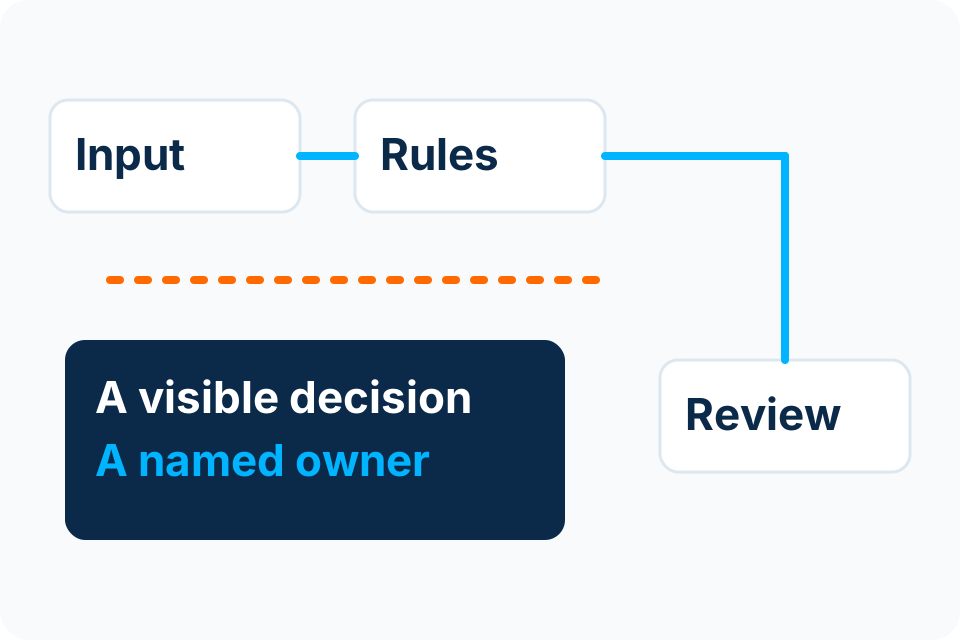
Design the invoice exception queue before automating the normal path. It is where uncertain information, disputed matches and unauthorised changes become visible to the right person.
Separate the reason for a hold from the outcome
A missing purchase reference is a reason to investigate, not proof that an invoice must be rejected. A possible duplicate is a signal to compare records, not permission to delete one. Use clear reason codes that tell the reviewer what needs attention.
Keep the final business outcome separate: corrected, approved within authority, rejected, cancelled or referred for another decision. This makes the record understandable later and avoids treating every exception as the same generic processing error.
Give common exceptions a defined owner
| Exception | Review question | Permitted next step |
|---|---|---|
| Possible duplicate | Does the earlier record represent the same obligation? | Compare source and prior outcome before proceeding. |
| Missing reference | Is an approved purchase or alternative authority available? | Request clarification from the business owner. |
| Amount mismatch | Which source or calculation explains the difference? | Record correction or refer the dispute. |
| Changed bank details | Has the change been independently verified? | Hold the change pending the approved verification process. |
| Unreadable field | Can the source be clarified? | Request a better source or authorised manual entry. |
The table is a design example. Your finance policy determines actual authority, tolerances and escalation; Foxbyte does not invent those rules during implementation.
Make review possible without copying everything
Show the case identifier, original reference, relevant fields, validation result and enough source context to make the decision. Restrict access to people who need it. Avoid sending complete invoices to broad notification lists merely to make the queue convenient.
Record significant corrections and the person responsible. A reviewer should be able to distinguish the original extraction from a corrected value and see whether a correction requires another approval. Retain information according to the agreed business and handling requirements.
Plan for queue age and unavailable reviewers
An exception can sit untouched even when the automation is technically healthy. Agree who reviews ageing work and what happens when a reviewer is absent. Escalation should identify the unresolved decision, not simply send louder copies of the same message.
Give cancellations and revised invoices their own behaviour. If a corrected document replaces an earlier one, preserve the relationship and avoid processing both. The team should know which version is authoritative before any downstream write is permitted.
Test recovery from an interrupted handoff
If the accounting destination times out after a request was sent, do not blindly assume nothing happened. The integration needs a way to check whether the intended record already exists before retrying a write. Reconciliation is part of the design.
Use the synthetic invoice demonstration to discuss these boundaries, then test the real rules and supported interfaces in an authorised environment. No demonstration establishes payment approval or production accuracy.
Inspect the synthetic invoice review exampleSources and further reading
Put the decision into practice
Bring the most common invoice exceptions and the person authorised to resolve each one.
Explore Document & Invoice Automation Discuss the requirement by email