
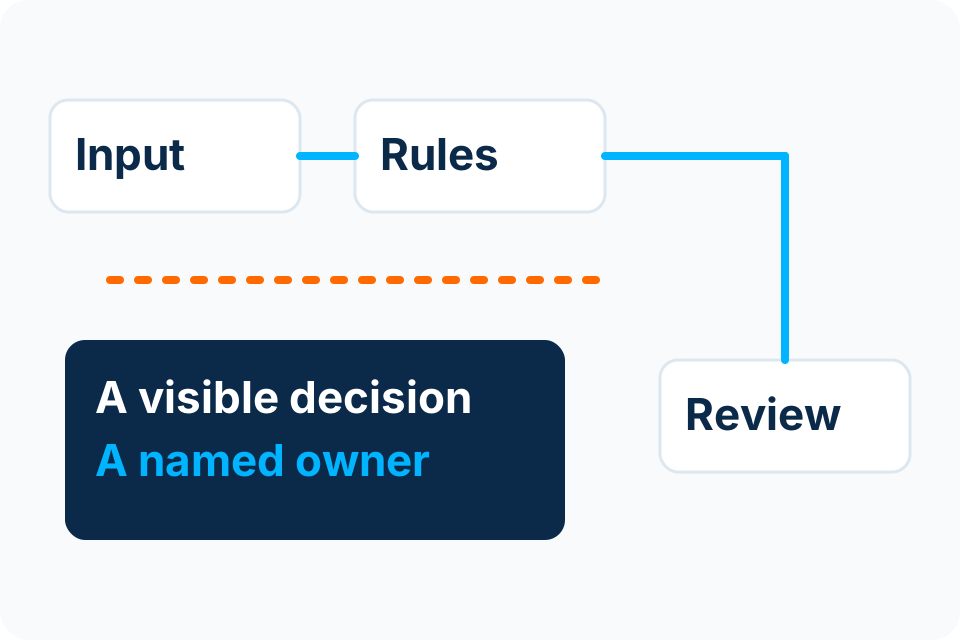
An approval workflow is a record of authority as well as a sequence of steps. Design who may decide, what they must see and what happens when nobody can act.
Write the decision before drawing the arrows
Describe the actual approval: what is being authorised, which record the decision applies to and what happens afterward. “Manager approves” leaves too much unresolved. A manager may approve a purchase request without authorising supplier creation or payment.
Identify the business policy that determines limits and required reviewers. If departments disagree, resolve that question outside the automation. A workflow should enforce an agreed policy, not silently become the place where a developer invents it.
Make every state actionable
| State | Required design decision |
|---|---|
| Waiting for information | Who can correct the request and what restarts review? |
| Awaiting approval | Which authorised role receives it and what evidence is visible? |
| Returned or rejected | Is the decision final, or can a revised request be submitted? |
| Approver absent | Who may delegate, for how long and within which limits? |
| Expired or cancelled | Who can close the case and what downstream work must stop? |
| Approved | Which specific action is permitted next? |
A notification is not a state owner. Each unresolved case needs someone who can identify it, understand why it is waiting and take the permitted next action.
Do not let delegation erase accountability
Record the difference between reassignment and delegation. A temporary delegate should not gain unlimited authority simply because a colleague is away. Specify the effective period and the same evidence requirements that apply to the ordinary reviewer.
Test what happens when the original approver returns, changes role or tries to decide after a delegate has acted. The workflow should resolve the case once and preserve the decision history. Two people opening the same notification must not create two contradictory outcomes.
Review the evidence on the decision screen
Show the record identifier, relevant source information, requested action and known exceptions. If a material field changes after approval, define whether approval is invalidated or a new review is required. Do not leave that choice to an unnoticed implementation detail.
For an illustrative invoice process, a changed amount or supplier account detail deserves an explicit rule. The rule comes from the organisation’s financial authority; the software merely implements it. Microsoft documents several approval patterns, but selecting a pattern does not establish the business policy.
Test the awkward cases
- Two reviewers respond at nearly the same time.
- The request changes while approval is pending.
- The reviewer loses access or leaves the organisation.
- The same request arrives twice.
- The destination system fails after approval.
Agree the expected outcome of each case before testing. An approval pilot is accepted when the agreed authority and exception rules work, not just when a green approval message appears.
Sources and further reading
Put the decision into practice
Share the decision policy and the exceptions your current approval process cannot handle clearly.
Explore Workflow Automation Discuss the requirement by email