Encrypted storage needs the appropriate authorised recovery material as well as readable data. A working drive or recovered file image does not automatically provide access to encrypted contents.
Identify the encryption and ownership route
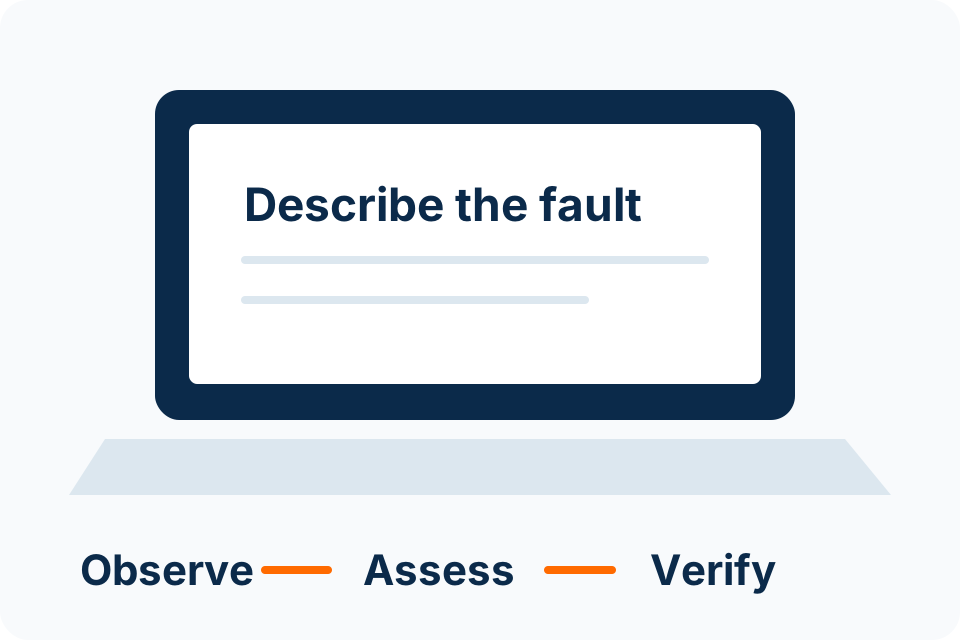
Record the device, operating environment and the recovery message shown without posting the key itself. Determine whether the device is personally owned or managed by an organisation. That affects who can help locate authorised recovery information.
For BitLocker, Microsoft provides a recovery-key lookup process using the locations available to the owner or organisation. Follow the official instructions for the actual account and device. Do not assume a technician can bypass encryption because they can physically access the storage.
Look for authorised recovery material
| Possible route | What to establish |
|---|---|
| Personal account | Whether the owner’s supported account holds the relevant key. |
| Work or school management | Whether the authorised administrator controls recovery information. |
| Saved or printed material | Whether an existing secure record matches the requested key identifier. |
| Previous owner or administrator | Whether a legitimate ownership handover needs completion. |
Availability depends on how the device was configured. A general list of possible locations is not proof that a key exists in any particular account.
Keep the key out of ordinary enquiries
Use the key identifier or a redacted description to explain the problem initially. A recovery key is sensitive access material and should not be placed in a public form, screenshot gallery or ordinary group message.
If a service needs authorised access, agree the handling route and purpose first. Establish who owns the data and who may approve work. Physical possession of a device does not automatically establish authority to access every record it contains.
Distinguish access loss from media failure
A recovery prompt and a failing drive are different problems, though they can occur together. Explain any detection errors, damage or previous attempts so the assessment can consider both. Do not format or reset the device just to clear a prompt when the data matters.
If no valid recovery route is available, encryption may make the data inaccessible. No provider should promise guaranteed bypass or recovery from the symptom alone. Keep the feasibility decision tied to the actual configuration and available authorised material.
Improve the next handover
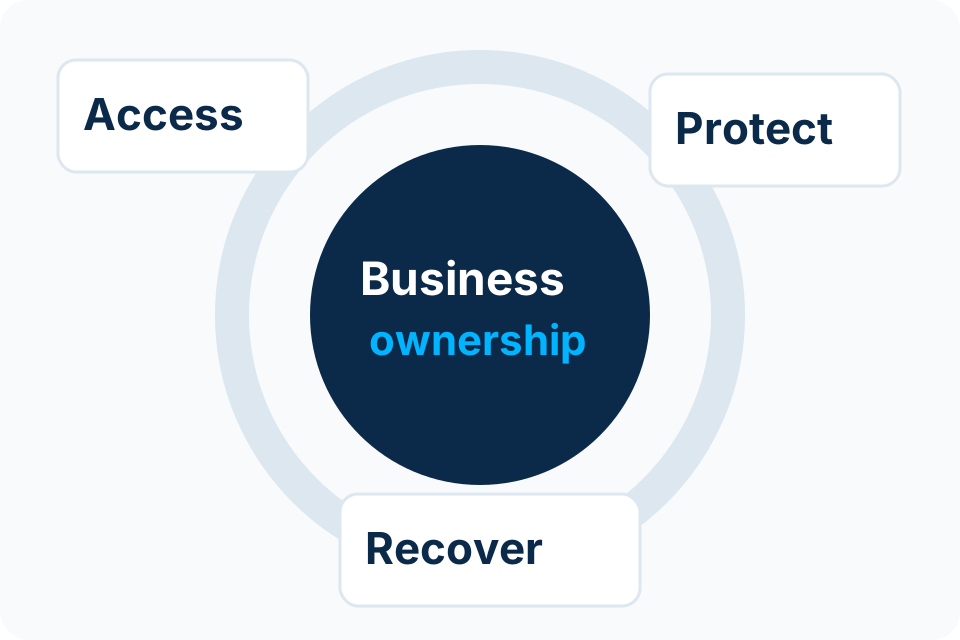
- Confirm business ownership of managed-device recovery information.
- Keep recovery material in the approved secure location.
- Review access when administrators or device owners change.
- Verify that the organisation understands its recovery process.
- Maintain separate usable backups appropriate to the data.
Recovery preparation should happen while access still works. It is much easier to confirm ownership and storage of recovery information before a device becomes unavailable.
Sources and further reading
Put the decision into practice
Describe the device and recovery prompt, keeping keys and private records out of the initial enquiry.
Explore Data Recovery Discuss the requirement by email