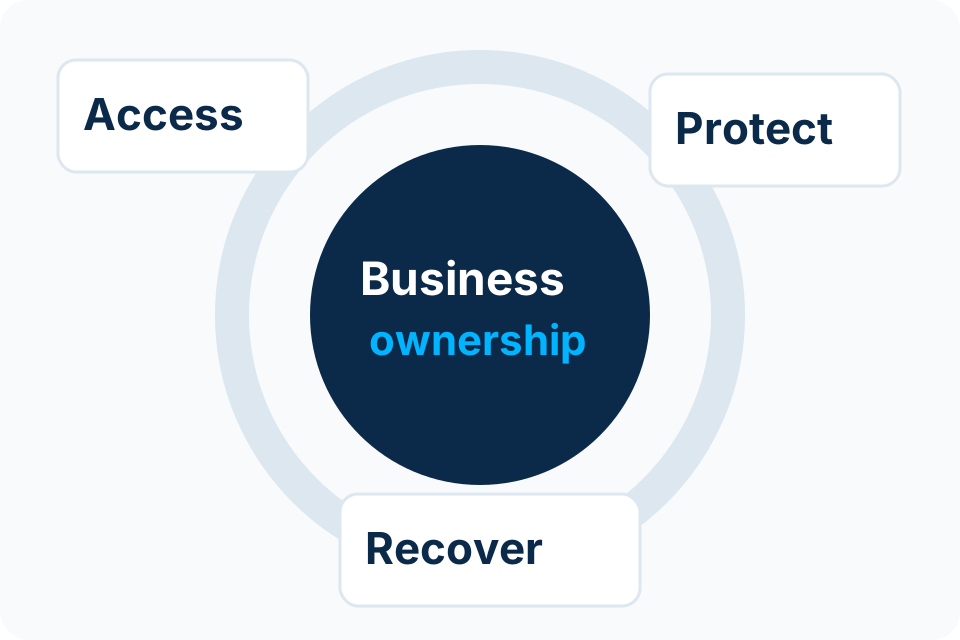
Your personal email often helps recover other accounts. Protect that recovery route and keep a usable way to regain access if your usual phone or sign-in method is lost.
Identify the accounts that depend on your email
List important services that use the address for recovery or security notifications. Include cloud storage, shopping, social accounts and any business services you personally administer. You do not need to share the list publicly; its purpose is to understand the consequence of losing the mailbox.
If a business account depends on a private mailbox, clarify ownership with the organisation. A personal convenience can become a continuity problem when responsibilities change.
Use a personal account review
| Check | Practical question |
|---|---|
| Sign-in protection | Are strong, supported authentication methods enabled? |
| Recovery details | Are the recovery email and phone current and controlled by you? |
| Signed-in devices | Do you recognise the devices and sessions shown by the provider? |
| Connected applications | Do the listed applications still need access? |
| Mailbox settings | Are forwarding and other important settings what you expect? |
| Recovery material | Can you access approved recovery information if the usual device is unavailable? |
Use the provider’s own security route
Open the provider’s official account settings or help route directly rather than following an unexpected message that says your account will be closed. A familiar logo in a message does not establish that the destination is genuine.
Review one setting at a time and understand recovery before removing an old method. Avoid changing every sign-in route at once without knowing how you will regain access. Never share one-time codes or approve a prompt merely because someone claiming to be support asks you to.
Separate a review from a suspected compromise
If you see an unfamiliar forwarding rule, device or security change, use the provider’s official recovery and security guidance from a trusted device. Keep track of what you observed and the actions already taken. Important connected accounts may also need review.
Do not pay a stranger who promises to bypass account ownership checks. Legitimate recovery depends on the provider’s process and the information or methods available to the account owner. No public checklist can guarantee restoration of a locked account.
Make recovery practical for your circumstances
- Keep recovery contacts current when changing a phone number.
- Use a secure method for recovery material separate from the usual device where appropriate.
- Know the official provider recovery route before an emergency.
- Review old devices and unnecessary application access.
- Keep business administrator ownership separate from personal convenience.
For a household, discuss who needs help with these steps without sharing everyone’s passwords in a group chat. The aim is understandable control of each person’s own account and recovery options.
Sources and further reading
Put the decision into practice
For business accounts, clarify identity ownership and the supported recovery arrangement with the appropriate administrator.
Explore Microsoft 365 & Email Security Discuss the requirement by email