
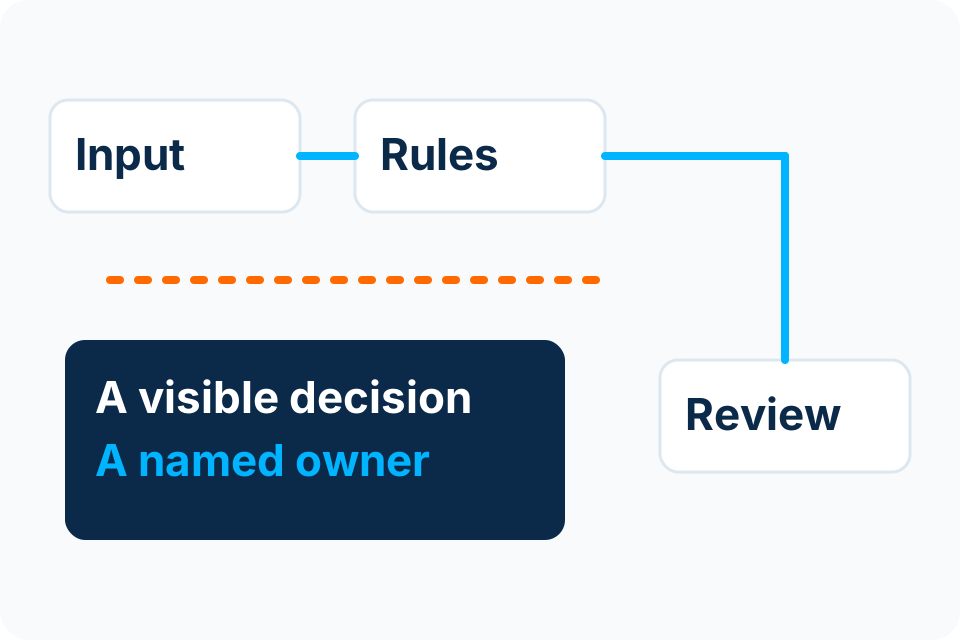
An automation needs an operating owner after delivery. Someone must notice stalled work, understand the business consequence and control changes to rules, access and connected systems.
Distinguish the business owner from the administrator
The business owner decides what the process should do and which exceptions are acceptable. The technical administrator maintains the implementation and supported access. One person may hold both roles, but the responsibilities should still be explicit.
Do not assign all failed cases to “IT” when resolution requires a finance or operations decision. A missing purchase reference may need a business clarification; a broken connector may need technical repair. The runbook should help the first reviewer tell the difference.
Create a compact operating record
| Record | What to include |
|---|---|
| Purpose | Trigger, permitted actions and completion condition. |
| Owners | Business decision maker, technical maintainer and backup contacts. |
| Dependencies | Systems, identities, licences and relevant renewal dates. |
| Exceptions | Where held work appears and who can resolve it. |
| Change | Who approves rules and how affected cases are retested. |
| Recovery | How to stop new work, reconcile uncertain results and resume. |
Keep secrets out of the runbook itself. Point authorised people to the approved access mechanism rather than copying passwords or keys into a widely shared document.
Make alerts useful to the person receiving them
An alert should identify the affected workflow, case or time range, known consequence and appropriate next action. Avoid sending every routine event to the same inbox. Too much noise makes a real failure harder to distinguish.
Microsoft’s workflow guidance discusses error paths, retries and notifications. Those mechanisms still need local ownership. Define what happens when the usual reviewer is away and how the team checks that an unresolved queue is actually being reviewed.
Treat process changes as software changes
A revised approval threshold, a renamed field or a new source layout can change the result even when nobody touches the workflow code. Give the business a simple way to report those changes before they cause a failure.
Record the approved change, affected cases and the verification performed. If old and new cases need different rules, define the transition deliberately. Avoid silently applying a new policy to records that were approved under an earlier one.
Review evidence at an agreed interval
- Which cases completed and which remain unresolved?
- Did access or a dependency change?
- Were there duplicate, delayed or manually corrected outcomes?
- Are the original acceptance assumptions still true?
- Does ownership remain current after staff or supplier changes?
The review interval and human response commitments belong in the service scope. Continuous software execution does not imply continuous staffed support. Ask for the specific maintenance activities and escalation arrangement in writing.
Sources and further reading
Put the decision into practice
Identify who currently handles stalled cases and which dependencies lack a clear owner.
Explore Workflow Automation Discuss the requirement by email