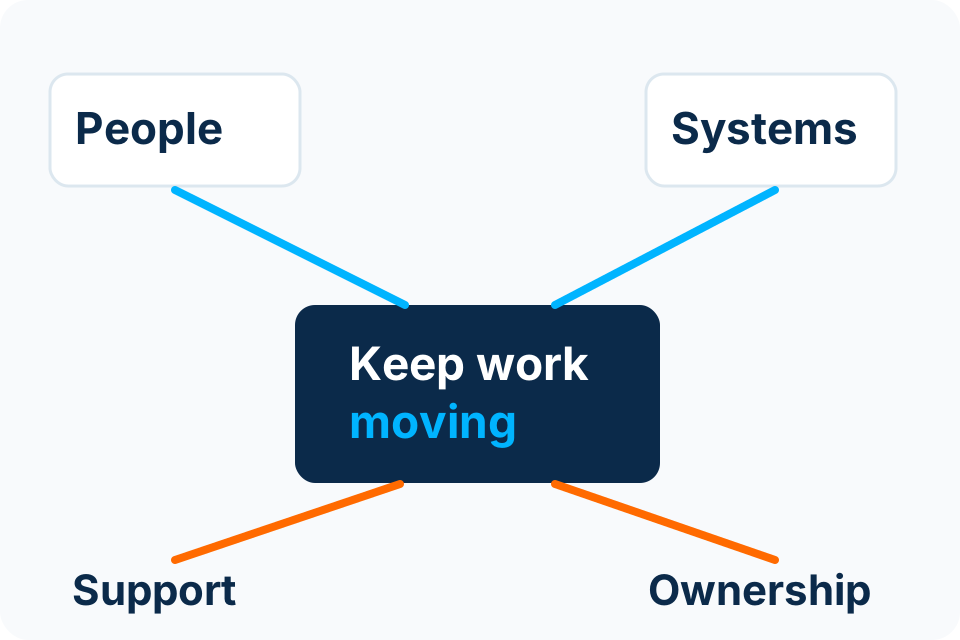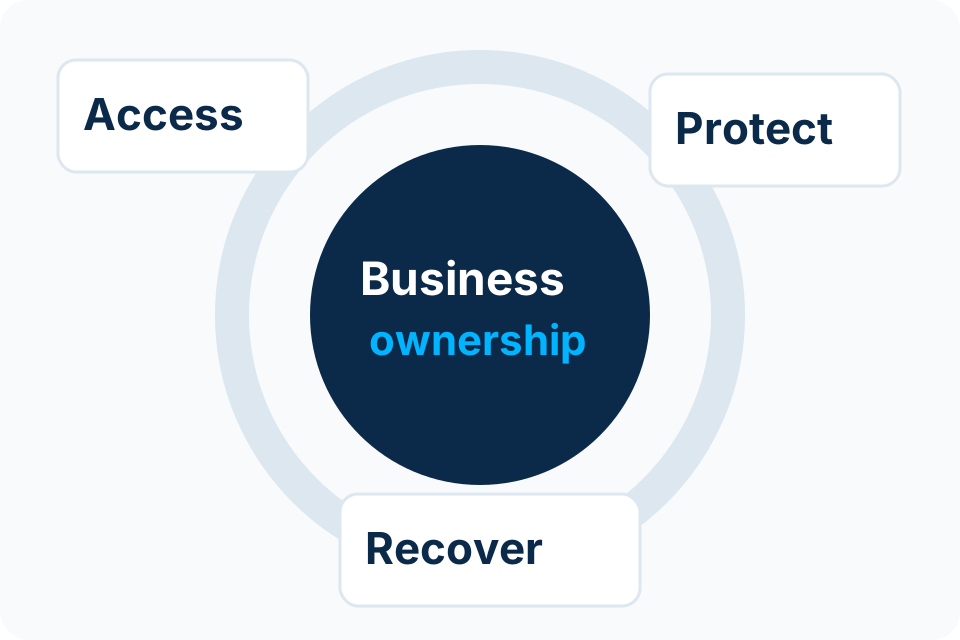
Offboarding should close access at the agreed time while preserving authorised business records. Deleting an account is only one possible step in that process.
Start with an authorised instruction
The business should identify who authorises the departure action, the effective time and the person taking over relevant work. IT should not infer those decisions from a rumour, an unanswered email or a calendar entry.
Keep the instruction proportionate and private. The technical team needs the identity, timing, access scope and record-handling decision; it does not necessarily need the employee’s wider personnel history. Coordinate sensitive departures through the organisation’s approved process.
Use a responsibility-based checklist
| Area | Question to resolve |
|---|---|
| Identity | Which local, cloud and supplier accounts belong to the person? |
| Sessions and access | What must be revoked or restricted at the authorised time? |
| Business records | Who may receive access and what retention or legal requirements apply? |
| Devices | What must be returned, checked and reassigned? |
| Shared resources | Which groups, delegated mailboxes and shared credentials need review? |
| Automation | Does a workflow or integration depend on the person’s account? |
| Licences | Which subscriptions can be reassigned after the data and service dependencies are understood? |
Do not trade data preservation for a quick checkbox
Microsoft’s former-employee guidance separates preventing access, preserving or transferring business information, device actions and licence or account removal. The exact sequence depends on the environment and applicable retention requirements.
Confirm those requirements before destructive actions. Avoid assuming a universal recovery period or that removing a licence and deleting an account have identical effects. Hybrid identities and third-party applications may need their own authorised administration path.
Check the dependencies that people forget
A report may run under the departing employee’s connection. A domain renewal may use their personal email. A supplier portal may have them as the only administrator. These are ownership problems that ordinary mailbox closure will not solve.
Use the departure to identify and transfer business-owned dependencies to appropriate named or service identities. Do not simply share the departing person’s password with a successor. Record the new owner and test the important service after the change.
Produce a completion record with exceptions
- The approved instruction and effective time.
- The systems checked and actions actually completed.
- Returned equipment and outstanding items.
- The authorised successor for business records and services.
- Any unresolved access or retention question and its owner.
A truthful exception is better than marking every system complete without evidence. Review the record with the business approver and retain it through the agreed organisational process.
Sources and further reading
Put the decision into practice
Identify the systems and departure-authorisation process that need a repeatable access handover.
Explore Microsoft 365 & Email Security Discuss the requirement by email