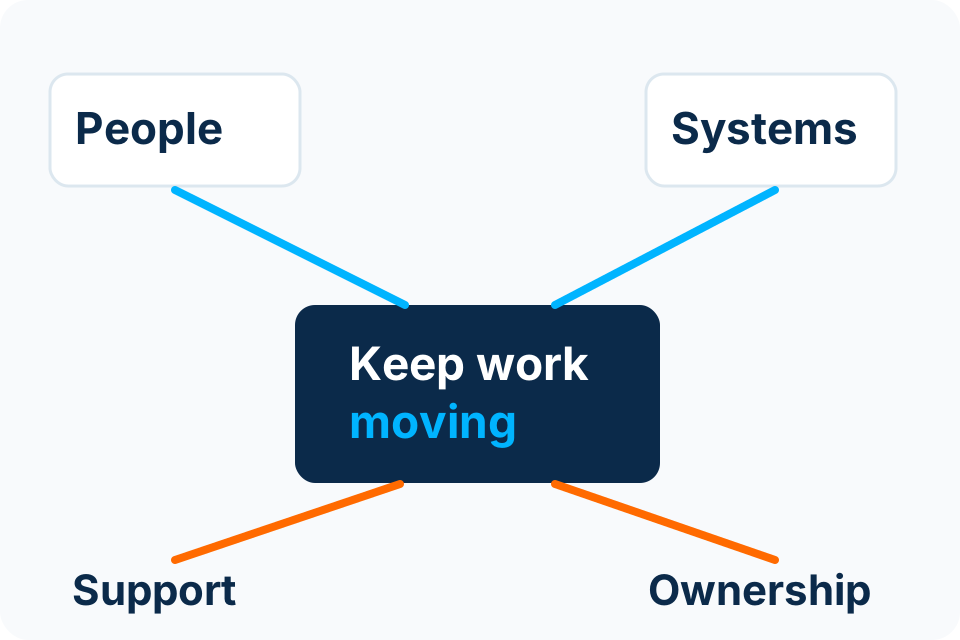
IT onboarding is complete when the new employee can perform the agreed work with appropriate access and knows how to get help. An account-created notification is only part of that outcome.
Use an authorised starter request
Ask the business approver to confirm the person, role, start date, manager, location and required applications. Access should follow the job requirement rather than copying another employee’s permissions without review.
Give the technical team enough notice to prepare equipment, licences and access. Record dependencies that may affect readiness, such as supplier account approval or equipment delivery. Do not treat an unconfirmed start date as permission to create broad access indefinitely.
Prepare a first-day checklist
| Area | Verification |
|---|---|
| Identity | The correct person receives their own authorised account. |
| Authentication | Registration and recovery instructions are understood. |
| Device | The assigned equipment and accessories support the agreed work. |
| Applications | Required access works with the intended permissions. |
| Shared resources | Relevant folders, mailboxes or groups have an approved owner. |
| Support | The person knows the channel and what information to include in a request. |
Test a representative task
Ask the new user to perform a normal, low-risk task with the manager or authorised support contact available. For example, they might open the approved shared location or access the relevant application without making a real customer or financial change.
Record missing access and excessive access separately. Solving a first-day problem by granting broad administrator rights can create a longer-term risk. Use the specific permission needed and keep an approval record for exceptions.
Hand over the equipment and information
Record the asset identifier, assigned user, supplied accessories and condition. Explain the expected care, update and reporting practices. Where personal devices are involved, clarify the agreed boundary before installing management tools or accessing personal information.
Provide concise guidance on suspicious messages, authentication prompts and reporting a lost device. Staff need a usable route for questions; a large policy document alone may not help when the first unfamiliar prompt appears.
Close the request and plan the lifecycle
- Confirm the manager accepts the agreed readiness.
- List unresolved items with owners.
- Update the asset and access records.
- Record any temporary permissions and review point.
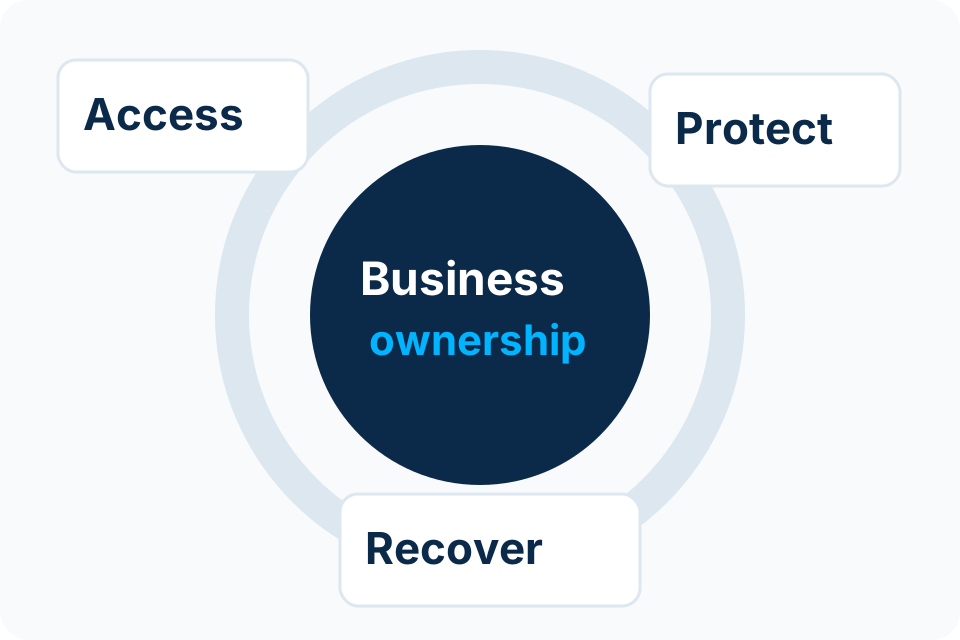
- Use the same ownership model for role changes and departure.
Onboarding and offboarding are connected. If the organisation cannot identify which services were granted at the start, closing access later becomes guesswork. Keep the record useful and proportionate to the environment.
Sources and further reading
Put the decision into practice
Identify the starter information and system owners needed for a repeatable onboarding process.
Explore Managed IT Services Discuss the requirement by email