
Plan home CCTV around a clear purpose, proportionate views and controlled access. More cameras or a phone app do not automatically produce useful or responsibly handled footage.
Questions to answer before buying
What do I need to see?
Identify the entrance, approach or other area and the useful detail required. A wide overview and a close identifying view can require different positioning.
Who will watch or retrieve footage?
Name the household users and decide who needs viewing versus administrator access. Include a recovery route if the usual phone is lost.
How long should recordings remain?
Choose a period based on purpose and relevant handling requirements, then assess storage. Do not assume a default setting is automatically appropriate.
Will recording continue during a power cut?
Only if the relevant camera, recorder and connection path have suitable power continuity. Confirm the actual design.
Consider scene boundaries
Review neighbouring areas, shared spaces and private locations before approving camera positions. Aim the view at the stated purpose and avoid unnecessary capture. Audio, analytics or additional functions can raise separate questions and should not be enabled merely because a device offers them.
The application of data-protection requirements depends on the setting and use. For Kenya, consult current official guidance and appropriate advice where needed; this article does not declare every household installation exempt or prescribe a universal legal formula.
Keep household access manageable
| Area | Practical decision |
|---|---|
| Main account | Who controls administration and recovery? |
| Viewer access | Who needs access and which permissions? |
| Phones | How is a lost or replaced device removed? |
| Installer access | What remains necessary after handover? |
| Footage sharing | Who can export and through which appropriate route? |
Check the actual recording
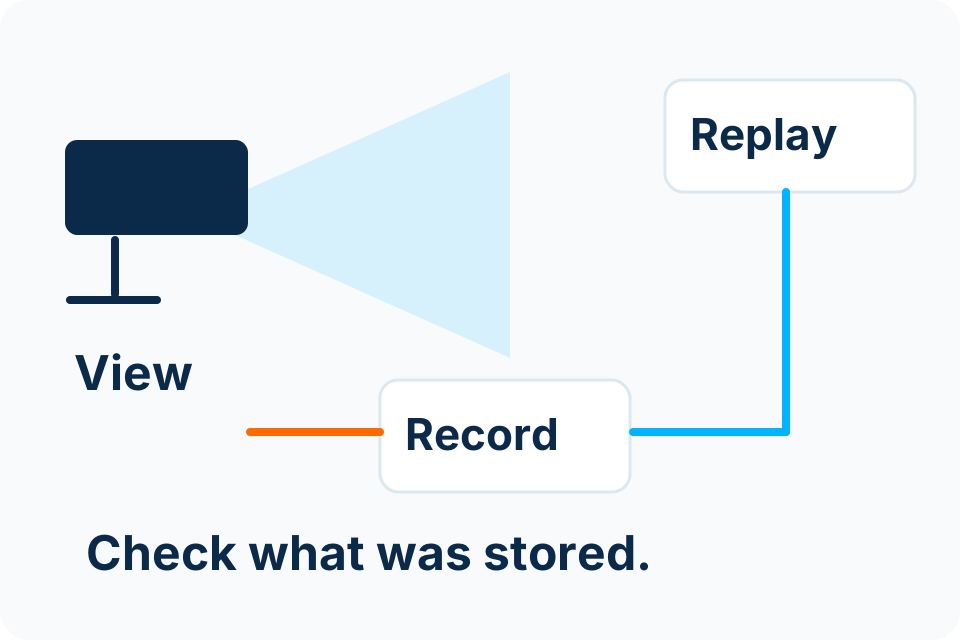
Ask for a demonstration of the agreed views, playback and a representative export. Review relevant lighting conditions rather than only a bright daytime phone image. Confirm the timestamp and camera names make it possible to find an event later.
Keep equipment details and the support route in a safe record. If the system depends on a provider account or internet service, understand who owns it and what happens if it becomes unavailable. Remote viewing and local recording should be assessed separately.
Maintain the decision after installation
- Review camera alignment and obstructions.
- Check representative playback at an agreed interval.
- Keep accounts and authorised viewers current.
- Arrange supported updates and maintenance.
- Revisit coverage and privacy questions if the use or property changes.
A home installation should be understandable to the people operating it. The handover is complete when they know how to use the agreed functions and who can help with a problem.
Sources and further reading
Put the decision into practice
Describe the property and priority views before selecting a camera bundle.
Explore CCTV Installation Discuss the requirement by email