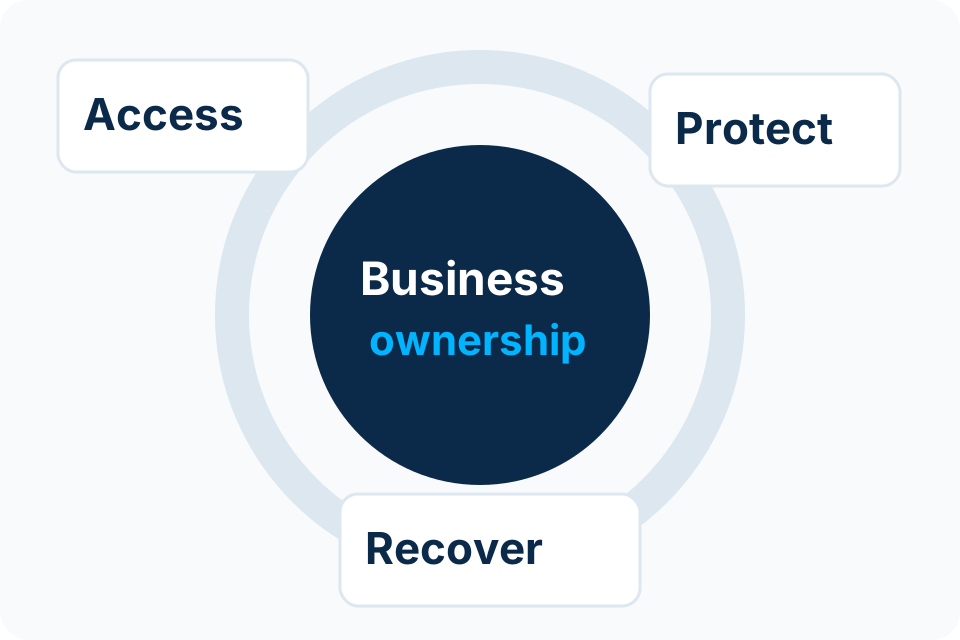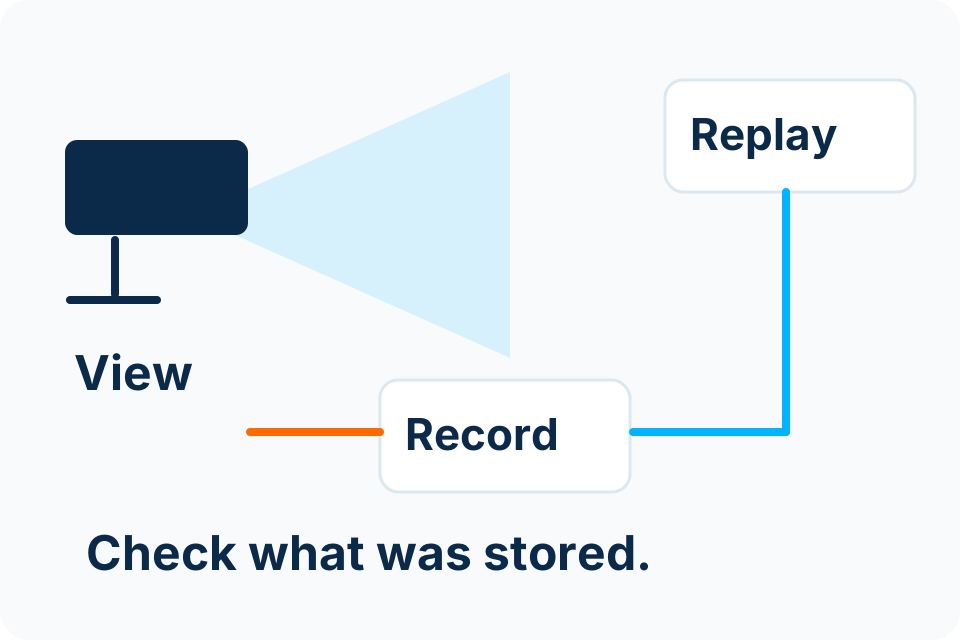
Remote CCTV access is an account and network decision. The owner should know who can view footage, which service provides the connection and how access is removed when circumstances change.
Map the access route
Identify whether viewing depends on a manufacturer service, another supported remote-access method or an organisation-managed connection. Record the account owner, relevant provider and devices used by authorised viewers.
Do not assume an installer’s working phone demonstration establishes customer ownership. The business needs a controlled way to administer access and a clear understanding of any provider or internet dependency. Keep credentials out of informal handover messages.
Use an access review
| Question | Why it matters |
|---|---|
| Who owns the main account? | The customer needs an authorised administration and recovery route. |
| Who can view or export? | Permissions should match actual responsibilities. |
| Which devices remain signed in? | Lost, replaced or reassigned phones need review. |
| What remote route is enabled? | The administrator should understand the exposure and dependencies. |
| Who maintains the recorder? | Firmware and configuration need ongoing ownership. |
| How does access end? | Departed staff and suppliers should not retain unnecessary access. |
Keep viewing and administration distinct
A person who needs to check a camera does not necessarily need permission to change recording settings or create new users. Use supported role boundaries appropriate to the equipment. Avoid one shared administrator account for every viewer when named permissions are available.
Test the ordinary viewer experience and the administrator experience separately. The handover should demonstrate the permissions actually configured rather than rely on a written claim that access is restricted.
Review the network change
Remote access may involve network or provider configuration. Have the authorised administrator review the supported method and necessary exposure. Do not open broad inbound access or disable security controls simply because a generic online tutorial suggests it.
If the remote route fails, preserve the local recording requirement while diagnosing the connection. Remote viewing and recording can have different dependencies; the system should be assessed against the agreed design rather than assuming one failure proves the other.
Keep a lifecycle record
- Account and provider ownership.
- Authorised viewers and their role.
- Recovery and access-removal procedure.
- Update and configuration responsibility.
- A representative access test and unresolved limitations.
Review this record when phones, staff, suppliers or network equipment change. CCTV is connected technology with ongoing access responsibilities, not a one-time camera installation that can be forgotten after the app opens.
Put the decision into practice
Identify the recorder, current viewing route and people who need authorised access.
Explore CCTV Installation Discuss the requirement by email